Origins
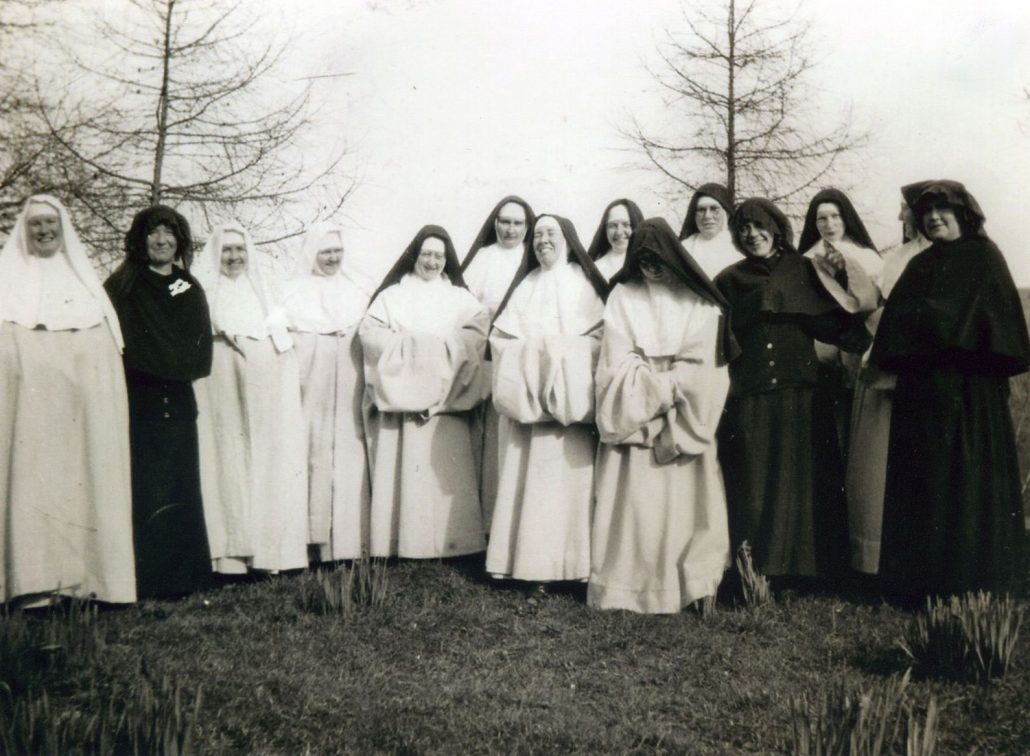
St. Mary’s Abbey, Glencairn was founded by Holy Cross Abbey, the only Cistercian Abbey of nuns in England, at Stapehill, Dorset, located today in Whitland, Wales. Holy Cross Abbey itself was founded in 1802 after the French Revolution and Napoleon wars. As there was no Cistercian monastery for women in Ireland since before the reformation, many Irish women entered Stapehill through the years.
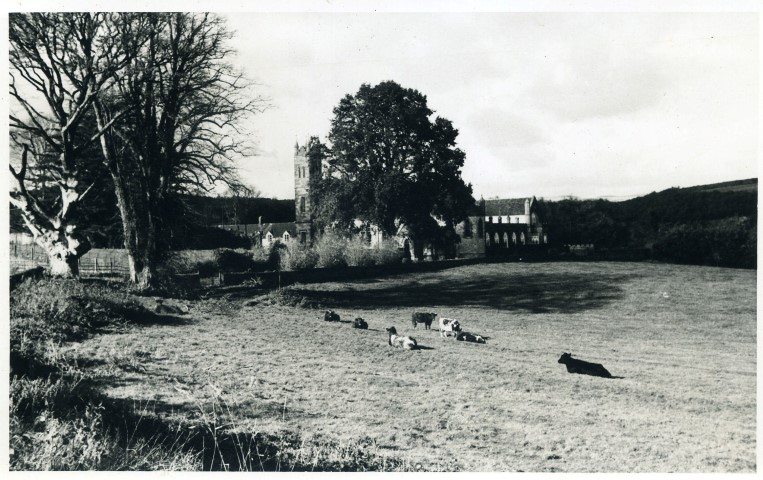
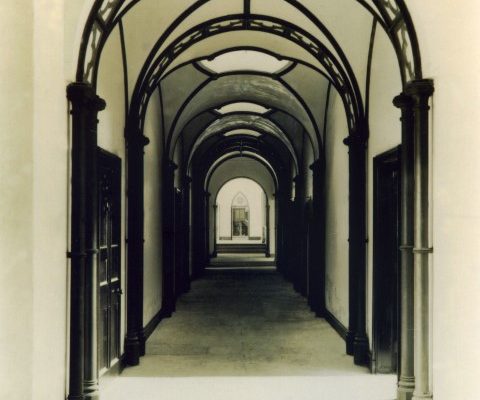
By 1926 the community had increased, making it necessary either to extend the monastery or make a foundation elsewhere. Irish Sisters and those of Irish descent prayed for an Irish foundation. When the Abbot of Mt. Melleray, Dom Maurus Phelan, was informed that Glencairn was for sale and would make a suitable monastery for nuns, Stapehill readily agreed to make the foundation; Mt. Melleray bought Glencairn, and over the next six years, monks and labourers built the Church, Sacristy, with rooms above, and Dormitory/Refectory North Wing. On two occasions the Abbess of Stapehill, Rev. M. Maura Perry, came to Ireland to view the work and suggest alterations and additions. (Photo inset, left, shows the 1819 cloister-style interior extended by the newly built church seen at the end of the cloister).
Foundation
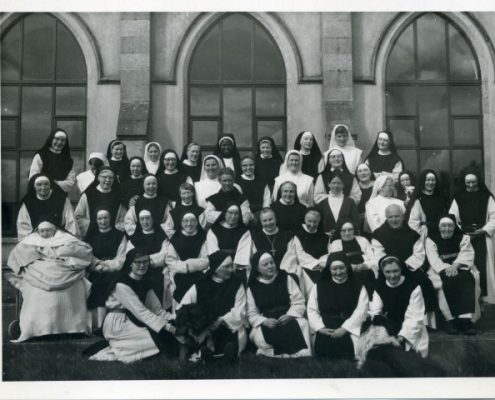
On 3rd March, 1932, two Sisters came from Stapehill to Glencairn to make final preparations for the main group, which, with Rev. M. Maura, fifteen Sisters in all, left Stapehill on the 8th of March and finally arrived in Glencairn on 10th March 1932 – now re-named as St. Mary’s Abbey, Glencairn. The First Mass had been celebrated that morning in the newly built church where the Blessed Sacrament was enshrined; they entered, knelt, then entered the Choir stalls, and then sang the Magnificat. For four days they were able to explore their surroundings, the grounds, yards, garden, woods, finding a large supply of spades, cow sheds stocked with cattle, a gardener who had worked for the previous owners and continued to work for the nuns, and one solitary hen, minus a pedigree. On the 14th March, Bishop Bernard Hackett performed the ceremony of enclosure for a contemplative community.
Development and Change
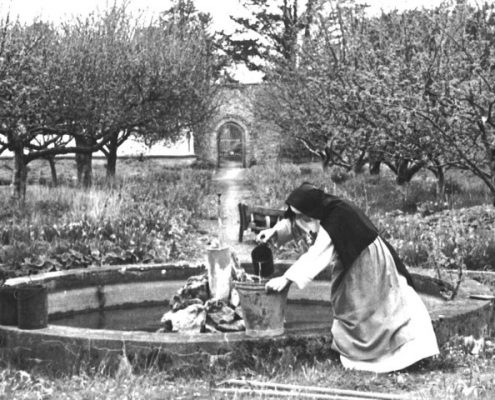
As with all foundations, the initial years were especially challenging; much poverty, hard labour, the establishment of a poultry farm with pedigree Light Sussex hens, selling eggs, chickens, day old chicks, working in the fields and garden, milking a small herd, later the planting of an orchard and plots of blackcurrant bushes, and selling pots of jam and honey in the Mt. Melleray shop, all efforts to make us self-sufficient. In the meantime, the community increased and flourished and by 1949 responded to a request from cardinal Cushing of to make the first Cistercian foundation for women in the United States at Mount St. Mary’s, in Massachusetts.
Before Vatican II Council in the early 1960’s, for some centuries, little change had occurred in the very strict Cistercian way of life. However, the Vatican Council urged Religious Orders to return to their origins and embrace ‘the signs of the times’. English language hymns and translations gradually replaced most the Latin Gregorian chants for Mass and the Divine Office. Also our, until then, small enclosure, was opened up to allow walks in our woods and down by the river – we are blessed with beautiful surroundings.
Later the rules for enclosure had to be somewhat relaxed to allow Sisters to go out for Study Courses, business matters, medical appointments and necessary shopping. Adaptation to the ‘outside’ world was necessary – the dentist, optician, and vans from shoe shops, all stopped coming! The creative gifts, aptitudes and abilities of each Sister are appreciated and utilized.
In 1982 the community at Glencairn made a second foundation in Nigeria with the founding of St. Justina’s monastery in Abakaliki.
Our Community Today
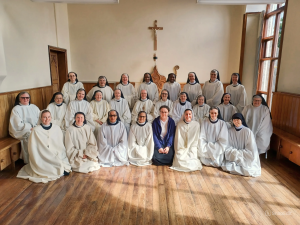
Today there are 27 sisters in the community at St. Mary’s Abbey, Glencairn. Most of the community are from Ireland. We also have sisters from Japan, America, India, the United Kingdom and Uganda. In the following pages of our website we share with you our way of life, prayer and work, information about new developments at the Abbey, videos, photos and news updates. We hope you will find it a helpful insight into Cistercian life as lived today at St. Mary’s Abbey, Glencairn.